Logging into the AI Signal Copier App
This guide shows you how to login to the AI signal copier and how to troubleshoot if you encounter any problems
5 December 2024
Logging Into App
1.
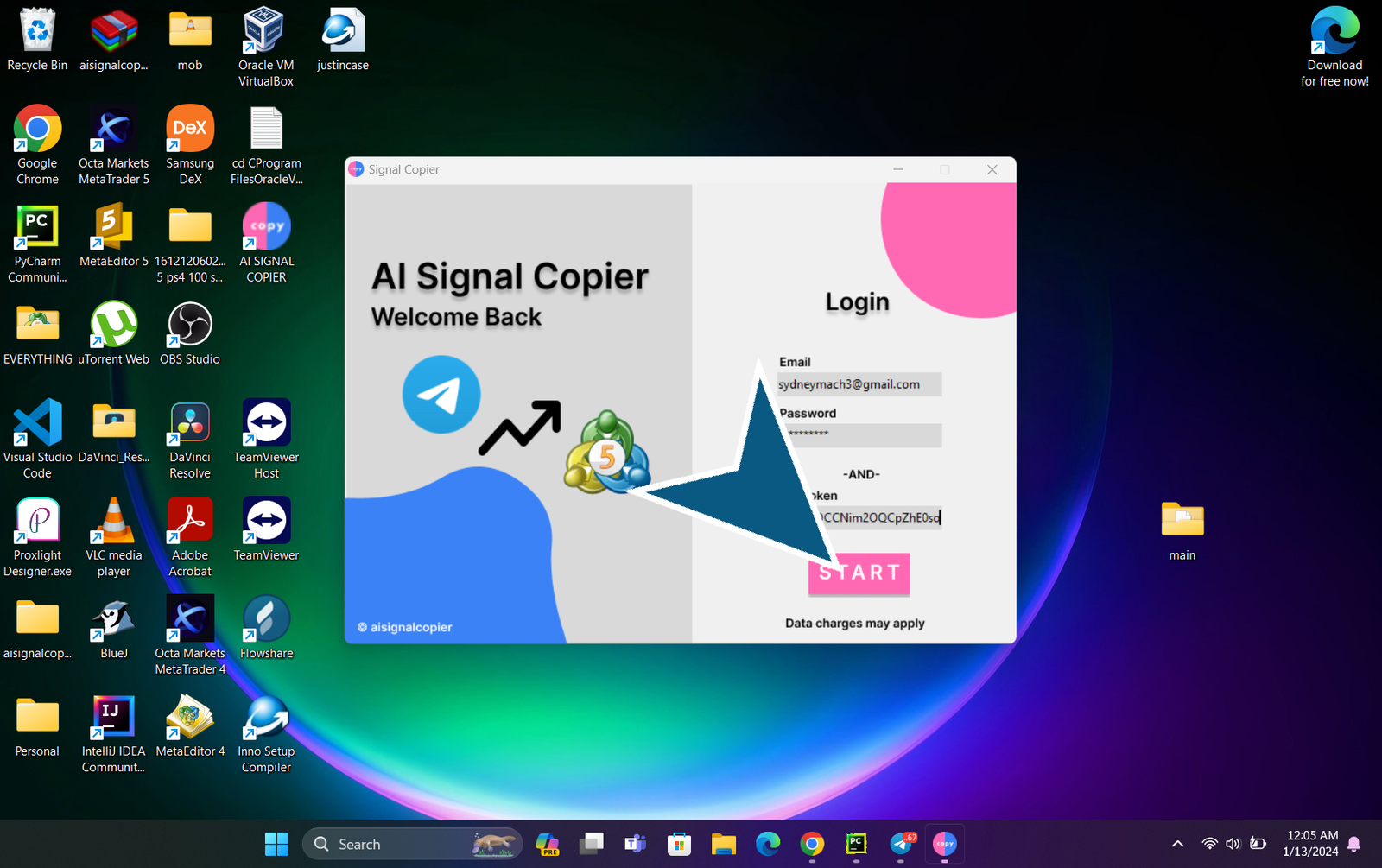
Enter your email
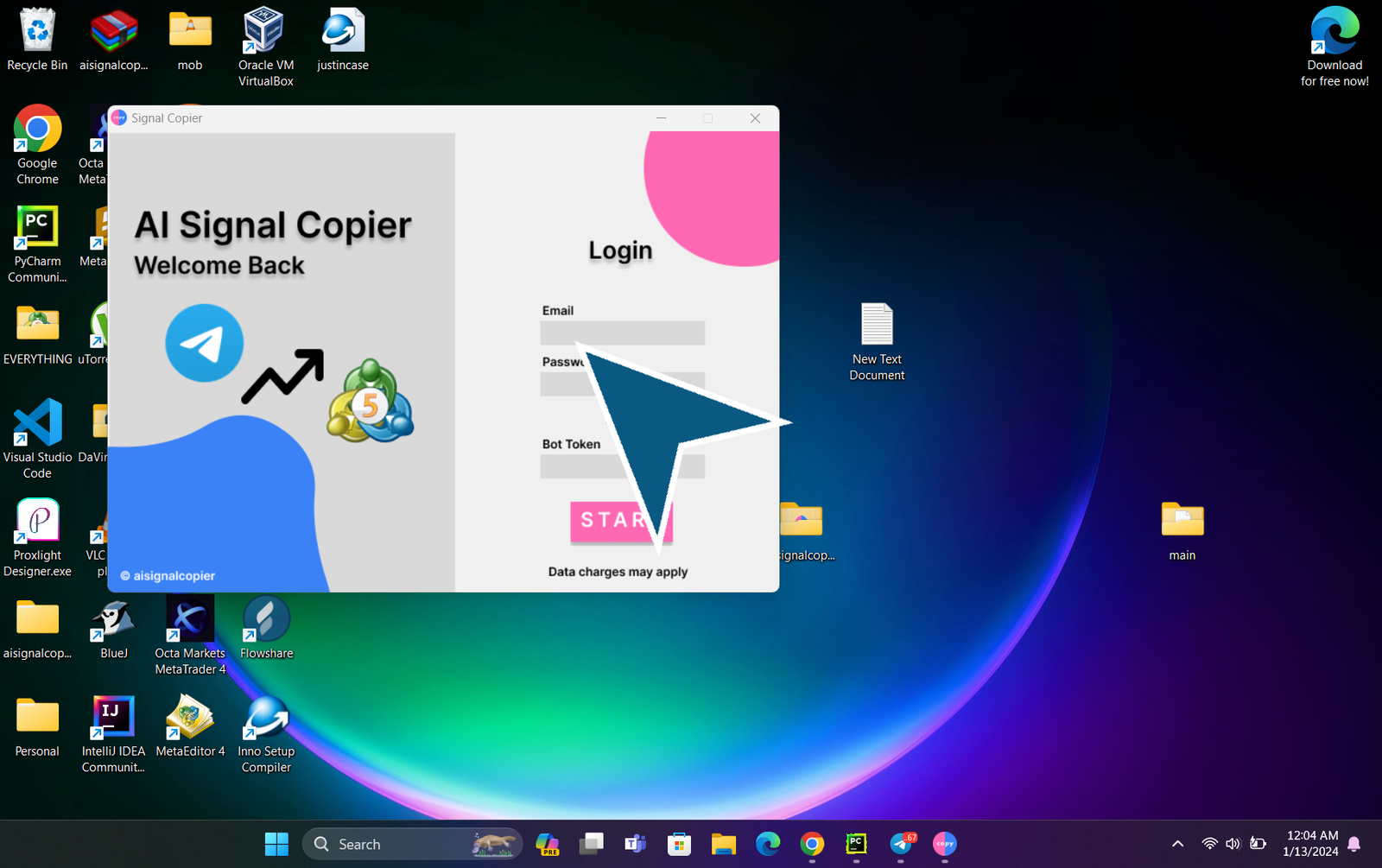
2.
Enter your paswword
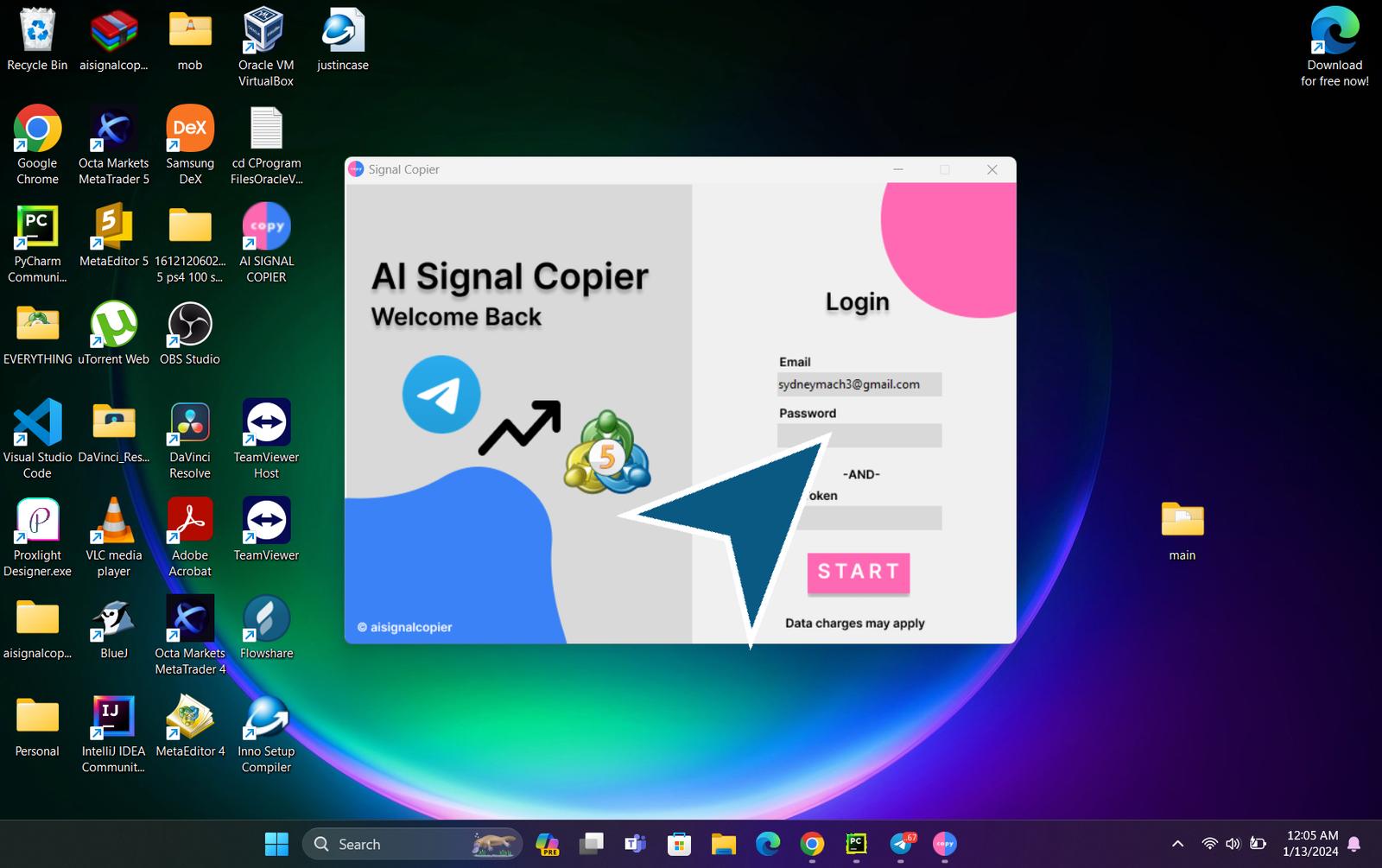
3.
Go back to Telegram and get your bot_token
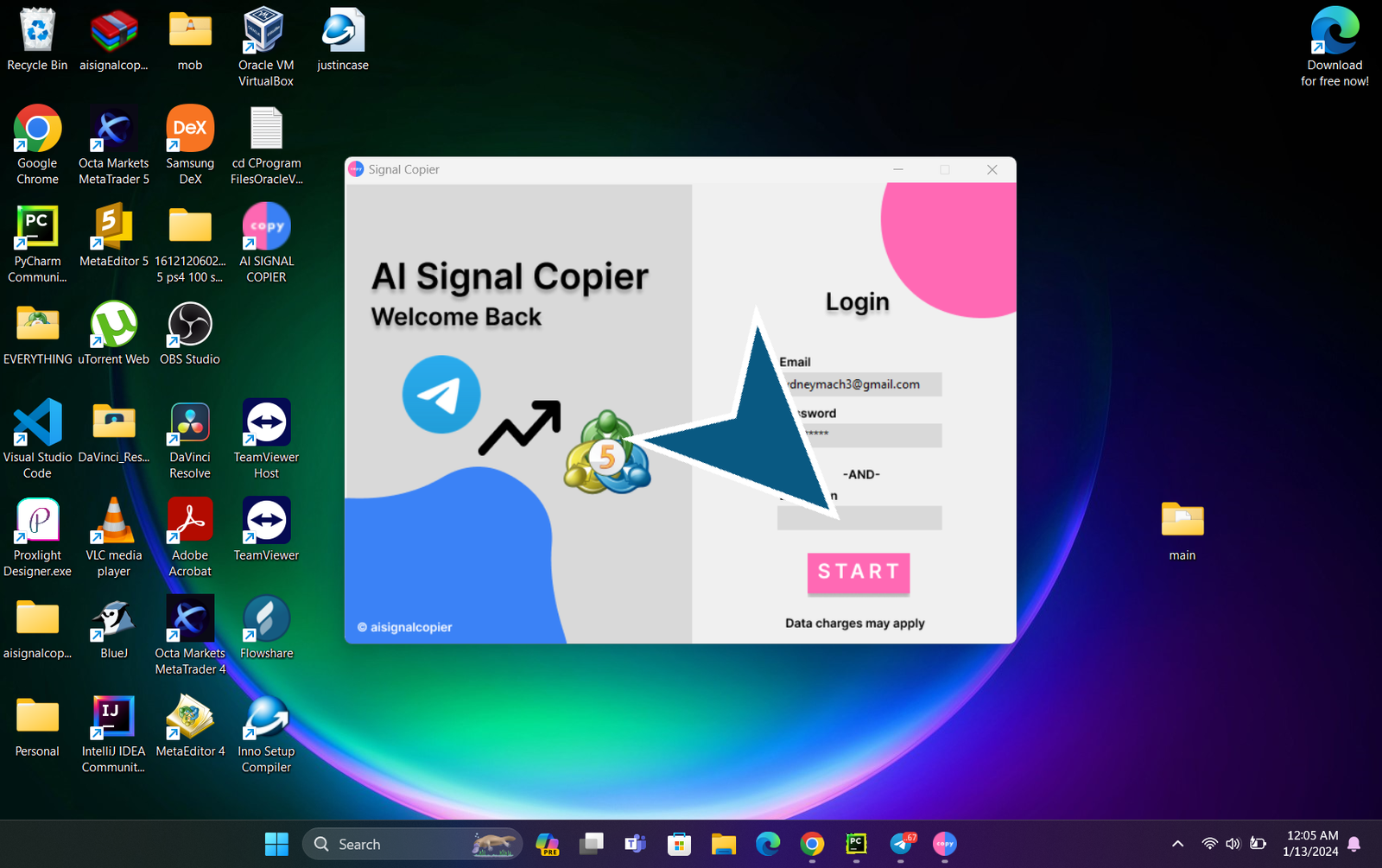
4.
In the Telegram application, locate and Click on the token to copy it
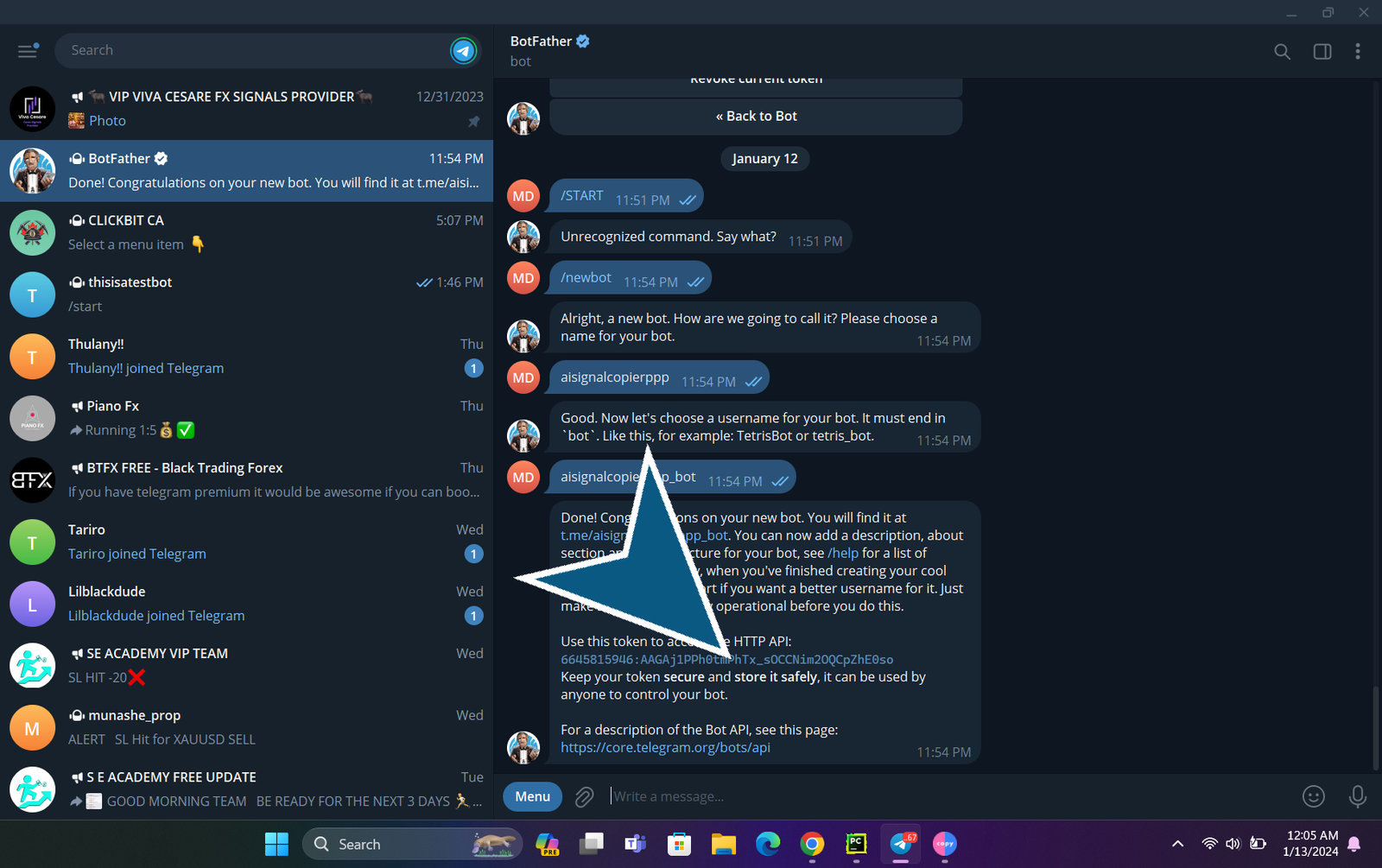
5.
Paste it
6.
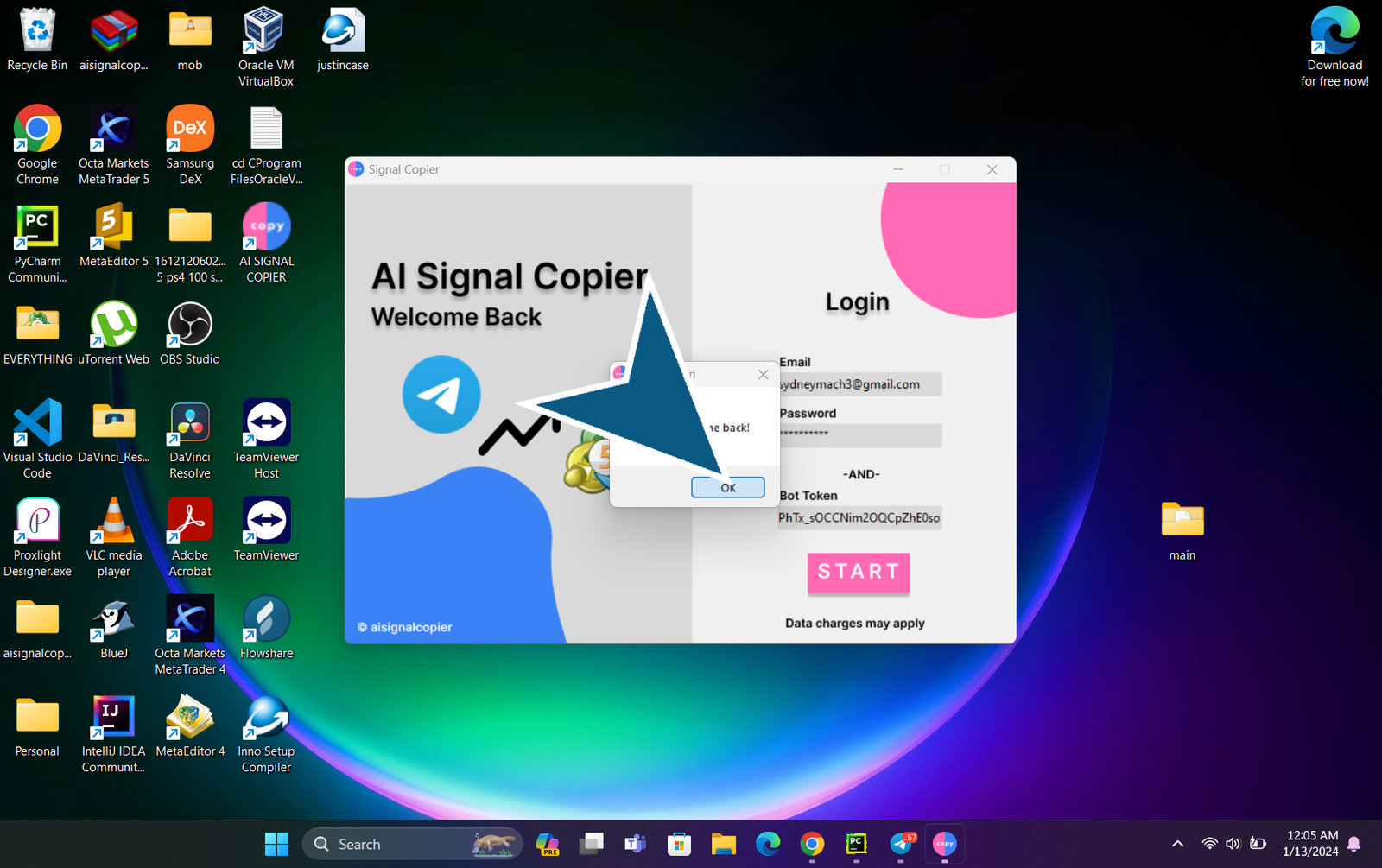
Click START button then OK
7.
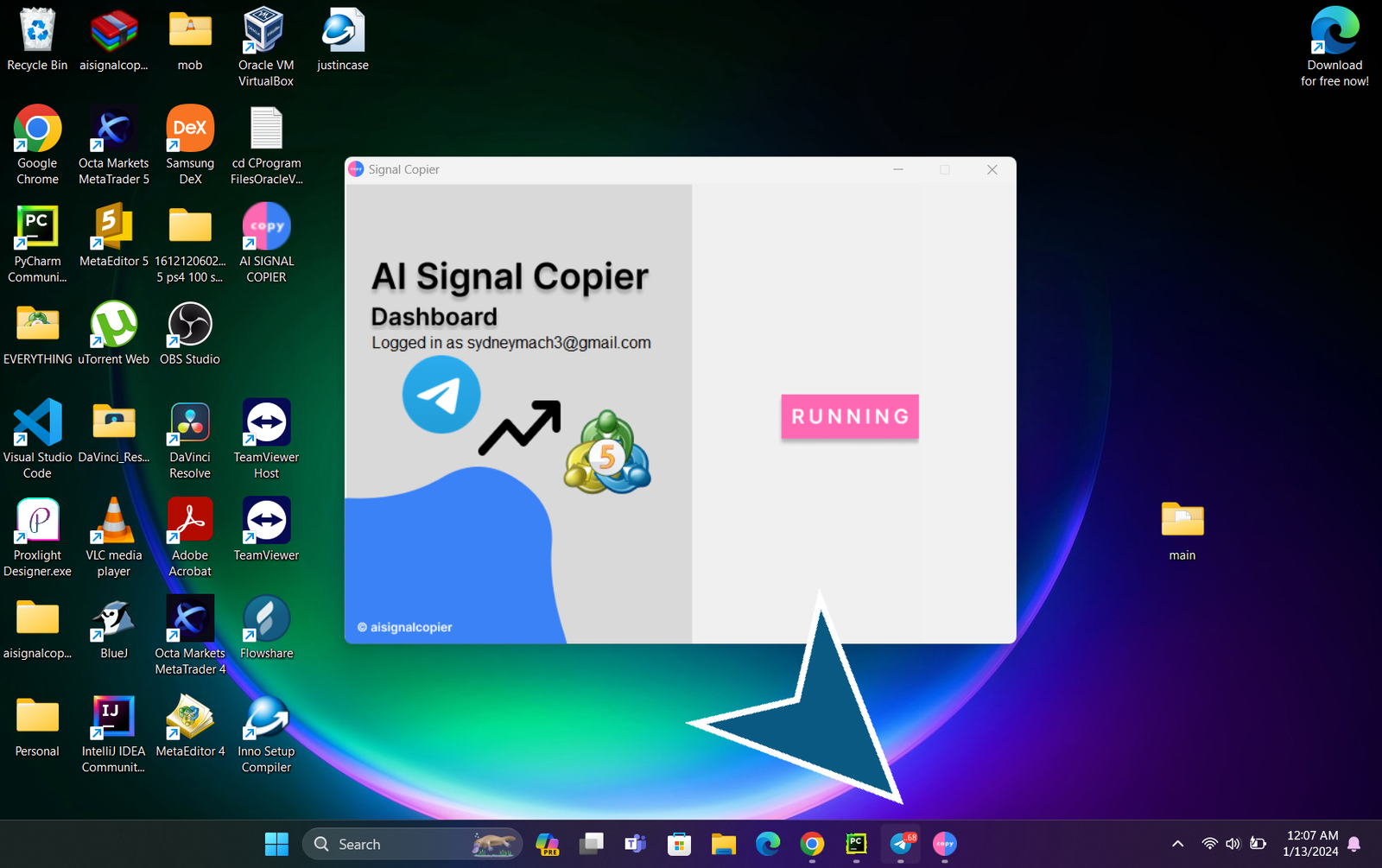
Congrats , our signalcopier is now RUNNING! Please note that this app should be kept open at all times
Is it stuck?
If it is stuck it probably means that you do not have Microsoft Redistributable installed on your machine. To download please click this link.
Make sure you uninstall the App Then reinstall after downloading Microsoft Redistributable.